01344203999




 Back
Back


Table of Content


21-Sep-2026

Grace Mitchell
Projects involve many moving parts. Tasks change, risks appear, and deadlines can shift. Without clear visibility, issues can grow into costly delays, and keeping everyone updated can become challenging. This is where a Project Status Report comes in. It helps teams and stakeholders understand progress, track priorities, and stay aligned throughout the project.
Regular reporting keeps communication clear and supports better decision-making at every stage of the project. In this blog, you will learn about what is a Project Status Report, its types, key elements, how to create one, and more. Let's get started!
What is a Project Status Report?
A Project Status Report is a document that provides an overview of a project's current progress, performance and overall status. It summarises key information such as completed tasks, ongoing activities, upcoming milestones, project timelines, budget status, risks and issues. The report gives stakeholders a clear understanding of where the project stands and whether it is progressing according to plan.
Project Status Reports are created at regular intervals, such as weekly or monthly, depending on the project's size, timeline, and stakeholder requirements. They play an important role throughout the project lifecycle by keeping everyone informed, improving communication, and helping teams identify risks early.

Different Types of Project Status Reports
Project Status Reports can be prepared in different formats depending on the project's size, complexity and reporting requirements. While all reports aim to communicate project progress, each type focuses on specific aspects such as schedules, budgets, risks or overall performance. Below are the most common types of Project Status Reports used by organisations.
a) Daily Status Report:
This summarises the work completed during the day, ongoing tasks and any issues affecting progress. It is useful for fast-paced projects that require close monitoring and regular updates.
b) Weekly Status Report:
This provides an overview of the project's progress over the week. It highlights completed tasks, upcoming activities, risks, challenges and planned actions.
c) Monthly Status Report:
This offers a broader view of project performance. It summarises key achievements, overall progress, major issues and plans for the following month.
d) Quarterly Status Report:
This presents a high-level summary of project progress over three months. It is commonly used by senior management to review long-term progress, evaluate performance and support strategic decision-making.
e) Executive Status Report:
This report provides a high-level overview for senior leaders and decision-makers. It highlights key project metrics, major milestones, budget status, risks and strategic updates without detailed operational information.
f) Ad-hoc Report: This is prepared when stakeholders need updates outside the regular reporting schedule. It communicates significant changes, risks, issues or urgent decisions, helping stakeholders respond quickly and make informed decisions.
Elements of a Project Status Report
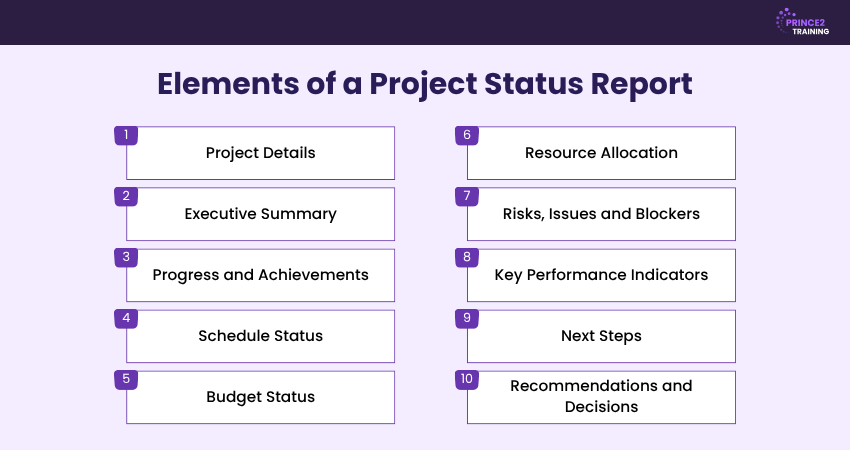
A Project Status Report should present the most important updates in a simple format. The following elements provide stakeholders with a reliable view of the project's status. The elements are outlined below:
Project Details:
Include the project name, Project Manager, reporting period and report date. These details help to identify the project and understand the timeframe covered.
Executive Summary:
Provide a brief overview of the project's current condition. It shows if the project is on track, at risk or behind schedule and highlights the most important updates.
Progress and Achievements
: Summarise completed tasks, deliverables and milestones reached during the reporting period. Progress bars, charts or dashboards can make this information easier to understand.
Schedule Status:
Compare actual progress with the planned timeline. Highlight completed milestones, approaching deadlines and any delays that may affect project delivery.
Budget Status:
Show how actual spending compares with the approved budget. Mention significant variances, unexpected costs or financial concerns when relevant.
Resource Allocation
: Explain how team members, equipment, materials and other project resources are assigned across tasks. This helps identify shortages, prevent overallocation and ensure that resources are used effectively.
Risks, Issues and Blockers:
Identify problems that are affecting or may affect the project. Explain their potential impact and the actions being taken to address or manage them.
Key Performance Indicators:
Include relevant measures such as completion rates, costs, time used, quality levels or productivity. These metrics help stakeholders assess project performance.
Next Steps:
Outline upcoming tasks, milestones and priorities. Clearly mention the responsible team members and expected completion dates to improve accountability.
Recommendations and Decisions: The section highlights recommendations, decisions requiring stakeholder approval and any support needed to address project challenges and maintain progress.
How to Create a Project Status Report?
Creating a Project Status Report involves presenting key updates in a clear and structured format. Follow these steps to prepare an effective report:
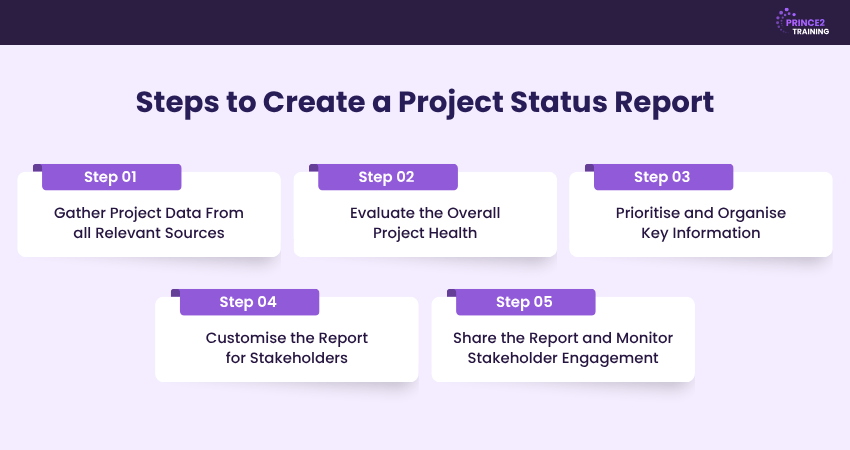
Step 1: Gather Project Data From all Relevant Sources
Gather the latest information on project progress, completed tasks, schedule, budget, risks, and issues from all relevant sources. Accurate and up-to-date data forms the foundation of a reliable Project Status Report.
Step 2: Evaluate the Overall Project Health
Review the collected information to evaluate the project's overall health. Check whether the project is on track, facing any issues, or falling behind schedule by considering factors such as timeline, budget, scope and key risks. A RAG Status can help summarise these findings and highlight areas requiring attention.
Step 3: Prioritise and Organise Key Information
Arrange the most important updates in a logical order. Highlight progress, completed milestones, risks, issues, budget status, key metrics and next steps so stakeholders can understand the project's current position.
Step 4: Customise the Report for Stakeholders
Adjust the level of detail, language, and format based on the intended audience. Senior leaders may need a high-level summary, while project teams may require more detailed updates and action items.
Step 5: Share the Report and Monitor Stakeholder Engagement
Distribute the report through the appropriate communication channels and ensure stakeholders receive it on time. Address questions, gather feedback and use the report to support informed decision-making throughout the project.
Lay the foundation for project success with the
PRINCE2® Foundation Training
– Sign up now!
Who Should Use Project Status Reports?
Project Status Reports are valuable for anyone involved in planning, managing or overseeing a project. They are commonly used by:
a) Project Managers:
Project Managers use status reports to track progress against the project plan, monitor performance and identify risks before they affect delivery.
b) Team Managers:
Team Managers use status reports to identify blockers, coordinate tasks and manage dependencies across teams to keep work on schedule.
c) Senior Leadership:
Senior leaders and executives review status reports to assess project health, evaluate delivery confidence and make informed decisions about resources and priorities.
d) Clients and Stakeholders:
Clients and stakeholders use status reports to stay informed about project progress, key milestones, challenges and upcoming activities.
e) Project Sponsors: Project Sponsors use status reports to monitor project progress, assess business value and approve major decisions when required.
What are the Benefits of Project Status Reporting?
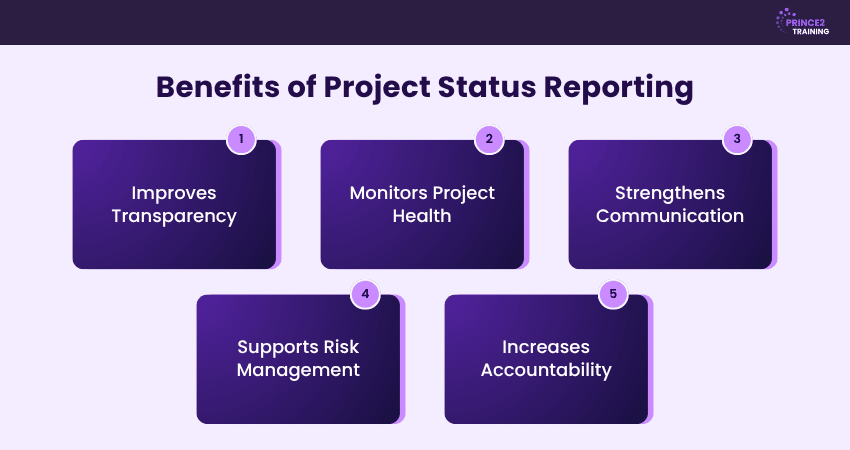
Project Status Reporting helps teams and stakeholders stay informed throughout the project lifecycle. Regular status reports improve visibility, support better decisions, and help keep projects on track. Below are some of its key benefits:
Improves Transparency:
Project Status Reports give everyone a clear view of project progress, upcoming tasks, and any challenges. This promotes trust and keeps stakeholders aligned.
Monitors Project Health:
Regular reporting helps track the project's health by highlighting progress, delays, budget status, and key performance indicators. This allows teams to take corrective action before issues become serious.
Strengthens Communication:
Project Status Reports present important updates in a clear and structured format, ensuring teams and stakeholders remain informed.
Supports Risk Management:
Regular status reports help identify potential risks and issues early, allowing teams to take timely action and reduce their impact on the project.
Increases Accountability:
Project Status Reports can clearly communicate responsibilities, progress and upcoming tasks. This encourages ownership, keeps teams accountable and reduces the need for frequent status meetings.
Strengthen your project leadership skills with the PRINCE2® Practitioner Training – Sign up today!
Common Mistakes to Avoid in a Project Status Report
In a Project Status Report, avoiding the common mistakes can improve the quality and usefulness of your reports. The following are some of the most common mistakes:
1) Creating Overly Detailed Reports
Overloading the report with unnecessary information makes it difficult to identify the important updates. Focus on project progress, key milestones, major risks and upcoming work. A concise report helps stakeholders understand the project's status clearly.
2) Failing to Assign Ownership for Issues
Risks, issues and blockers should always have a clearly assigned owner. This improves accountability and ensures that problems are addressed promptly. Clear ownership makes it easier to track progress and follow up on corrective actions.
3) Presenting Data Without Meaningful Analysis
Explain what the data means, how it affects the project and whether any action is needed to keep the project on track. Adding context enables stakeholders to understand the impact of the data and respond appropriately.
4) Omitting Clear Next Steps and Action Items
A Project Status Report should outline upcoming tasks, priorities and required decisions. Clear next steps help teams maintain momentum and enable stakeholders to provide timely support when needed. This helps everyone understand the required actions and responsibilities.
Best Practices for Writing Effective Project Status Reports
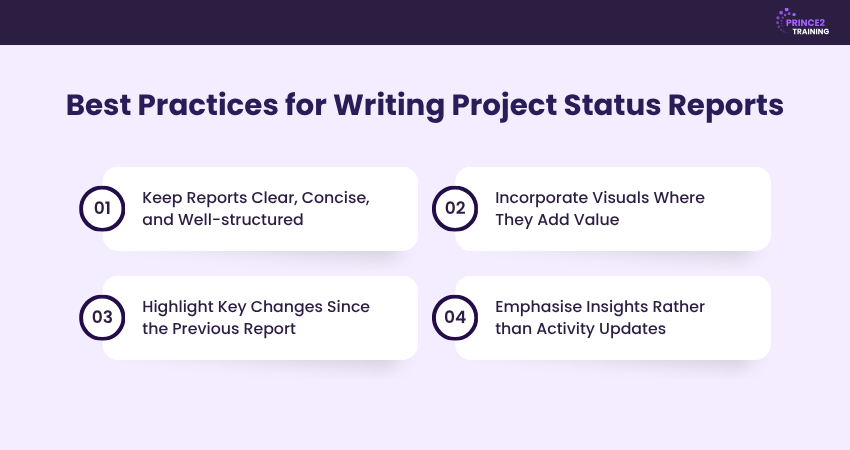
A well-written Project Status Report helps stakeholders understand project progress quickly and make informed decisions. Following these best practices can improve the clarity, consistency and effectiveness of your reports:
1) Keep Reports Clear, Concise, and Well-structured
Use a consistent structure with sections, such as project summary, progress, risks and next steps. A well-organised report is easier to read and helps stakeholders find key information quickly. Also, it improves communication and saves time for everyone involved.
2) Incorporate Visuals Where They Add Value
Add charts, progress indicators, timelines or dashboards to present complex information clearly. Additionally, visuals make it easier to understand project health and identify trends immediately. You can choose visuals that simplify the information instead of adding unnecessary complexity.
3) Highlight Key Changes Since the Previous Report
Provide an overview of updates since the previous report, such as completed milestones, schedule changes, new risks or resource updates. This helps stakeholders quickly identify what has changed and why it matters. Also, it enables faster responses to issues that could affect project delivery.
4) Emphasise Insights Rather than Activity Updates
Highlight important achievements, risks and outcomes. Explain how recent progress affects the project's objectives and overall delivery. This allows stakeholders to focus on information that supports better decision-making.
Conclusion
A Project Status Report is a valuable tool for keeping teams aligned, improving transparency and supporting timely decisions. By presenting the right information in a clear and structured way, you can identify issues early, keep stakeholders informed and increase the chances of delivering projects successfully.
Learn how to plan smarter, deliver faster and succeed more by joining the
PRINCE2® Training
today!
Frequently Asked Questions
How Often Should a Project Status Report be Created?
Project Status Reports are typically created weekly for most projects, though frequency can vary based on complexity, duration and stakeholder needs. Fast-paced or high-risk projects may require daily updates, while longer-term initiatives often suit monthly or quarterly reporting for senior stakeholders.
What is the Best Tool for Creating Project Status Reports?
The right tool for creating Project Status Reports is based on your project requirements and workflow. Popular options include ClickUp, Monday.com, Notion, Airtable, and Smartsheet, each offering features such as progress tracking, collaboration and reporting.
What is the Difference Between a Project Status Report and a Project Progress Report?
A Project Status Report gives an overview of a project's health, including its progress, risks and status at a specific point in time. In contrast, a project progress report focuses on work completed over a defined period, showing the progress made towards project goals.



 Continue Browsing